For iPhone · WhatStats
WhatsApp chat statistics on your iPhone.
See who writes, when your chats are busiest and which emojis you use. Import a WhatsApp export and explore the numbers in WhatStats.
Your first analysis is free. Pro unlocks unlimited analyses, full Wrapped and sharing. See the app for current local prices.
How it works
From chat export to a clear overview.
Use a copy of one chat. No WhatsApp login or live connection is needed.
Export from WhatsApp
Open the contact or group info on iPhone. Choose Export Chat, then Without Media.
Open in WhatStats
Share the supported TXT or ZIP file with WhatStats. Check the date format before starting the analysis.
Explore your statistics
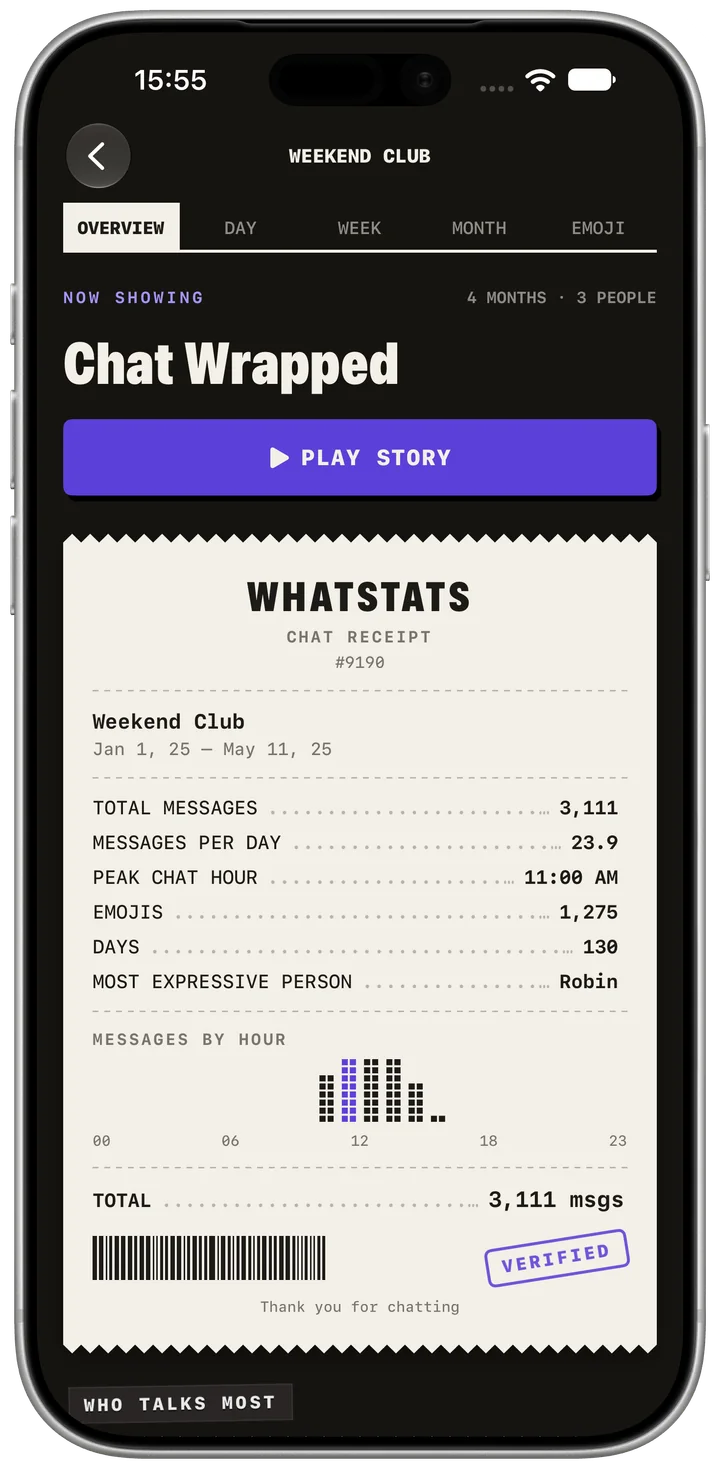
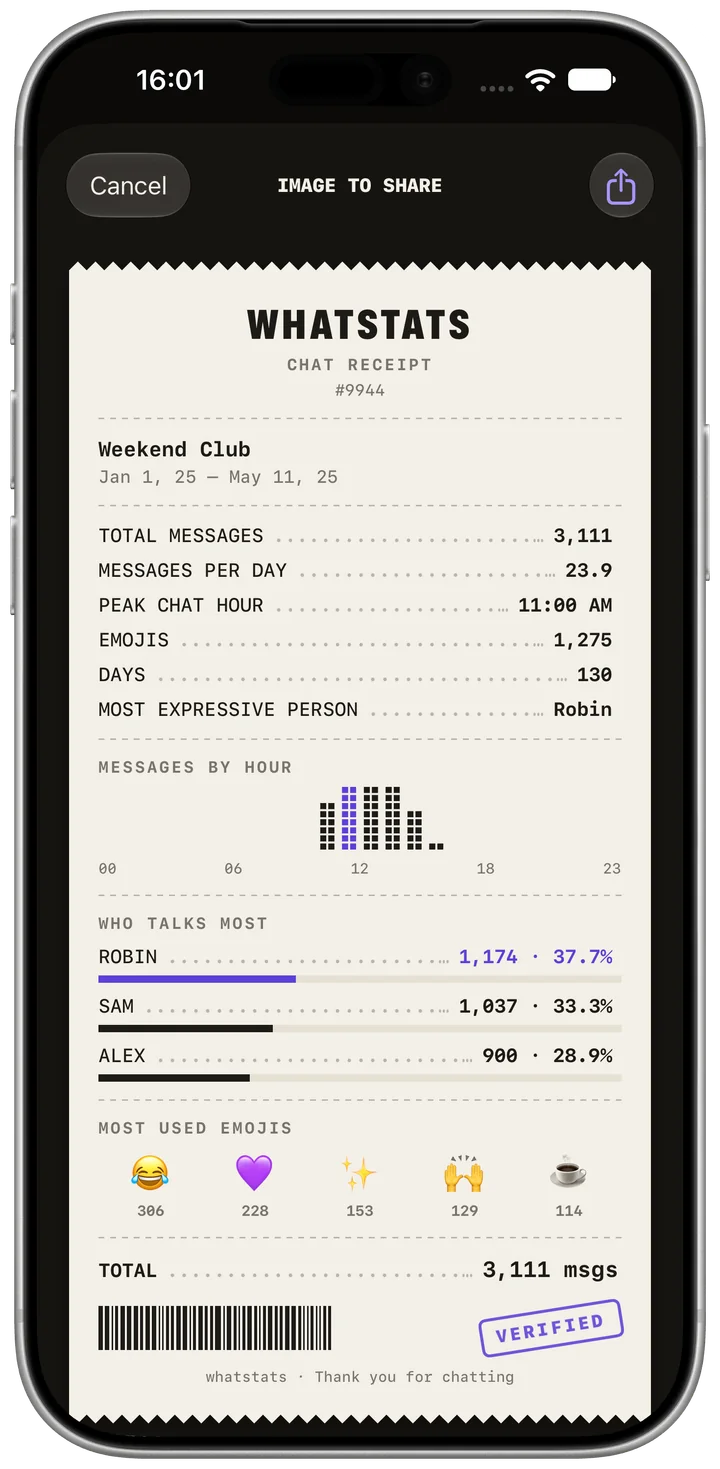
Read the receipt, compare activity and open your Chat Wrapped. Results describe the imported file.
WhatStats
Features
Message counts, activity and emoji patterns, with clear explanations of what each statistic measures.
Start with a chat export →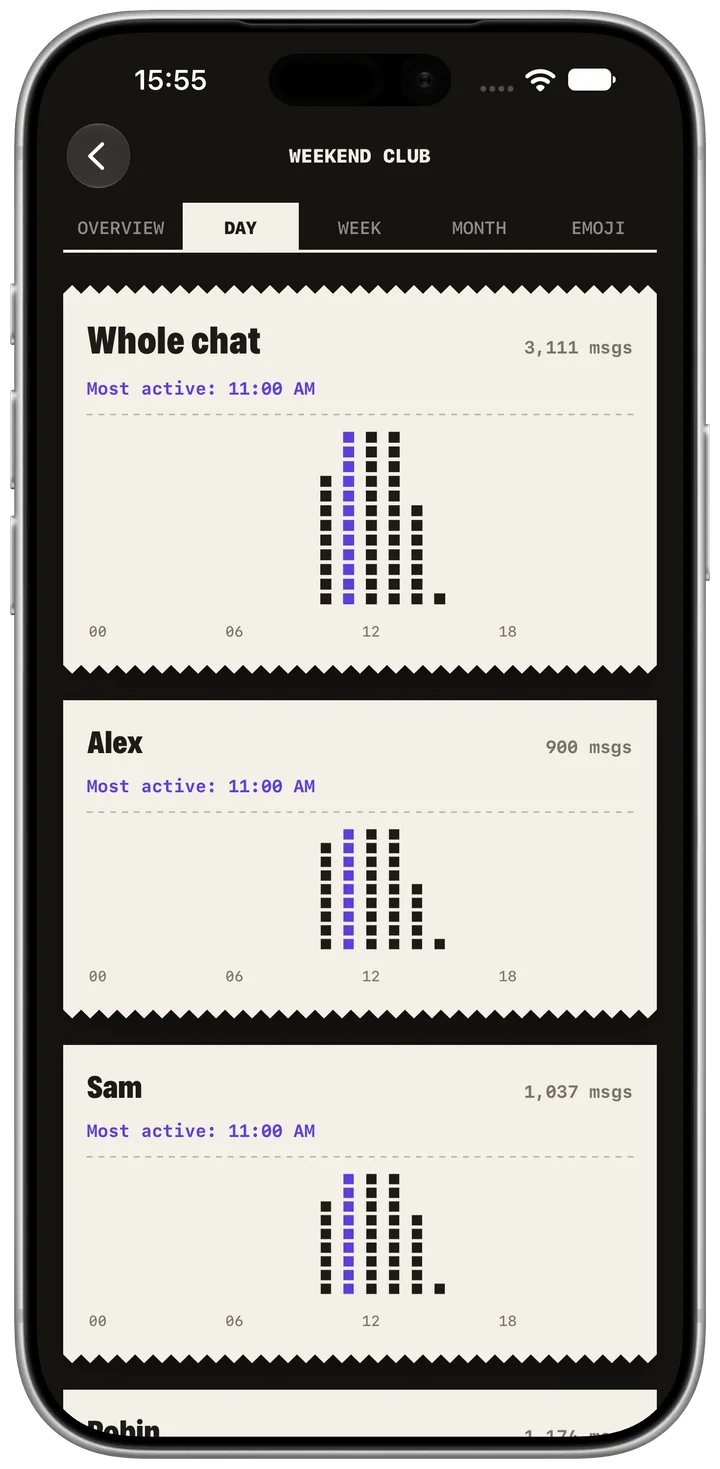
The details behind your chat.
Message counts, activity and emoji patterns, with clear explanations of what each statistic measures.
Guides
A practical place to start.
Choose a task, follow the steps and check the result.
WhatsApp chat import
Start with a supported TXT or ZIP export from your iPhone.
Try the sample chat
Explore the full sample story before importing a chat.
Saved chat analyses
Reopen analyses stored locally on your iPhone.
Messages per person
Compare each participant’s contribution to the export.
Activity by hour
Find the hours with the most messages.
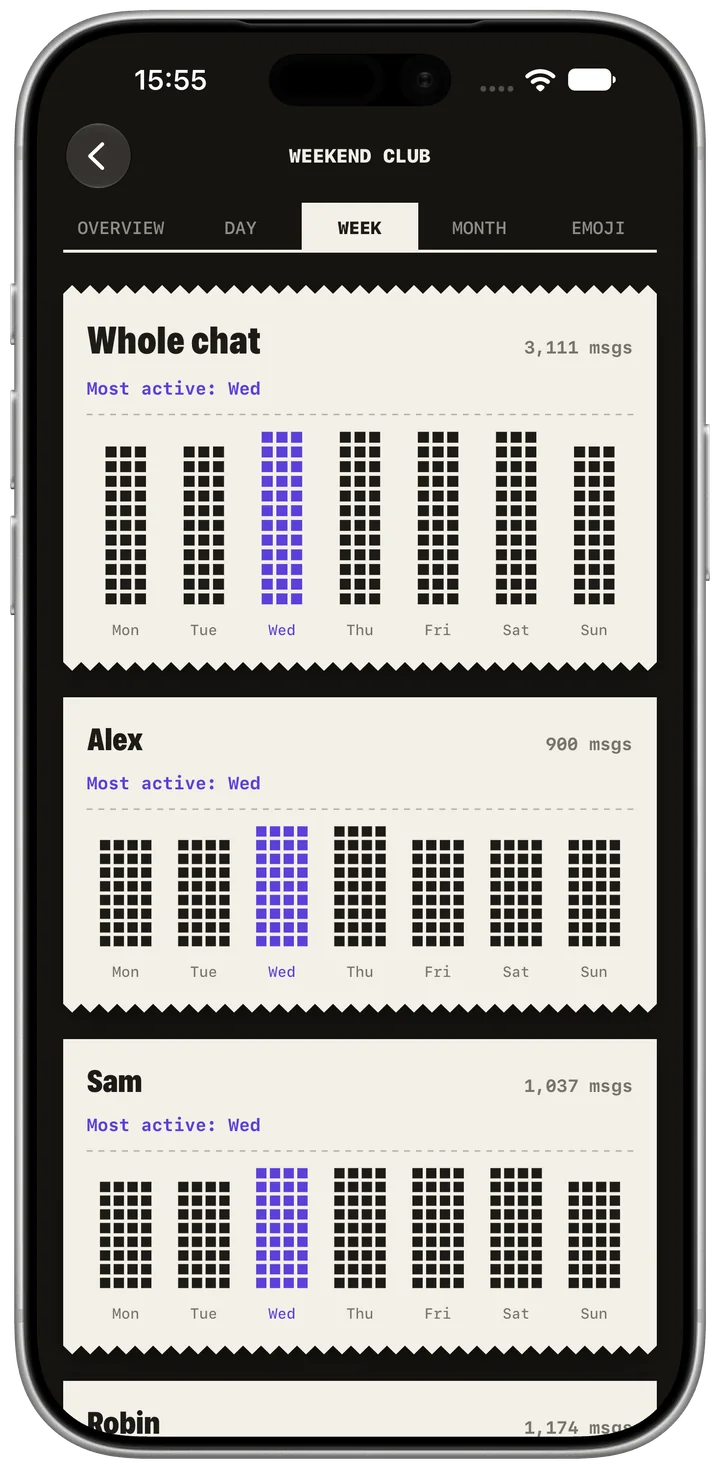
Activity by weekday
Compare message activity across the week.
Inside the iPhone app.
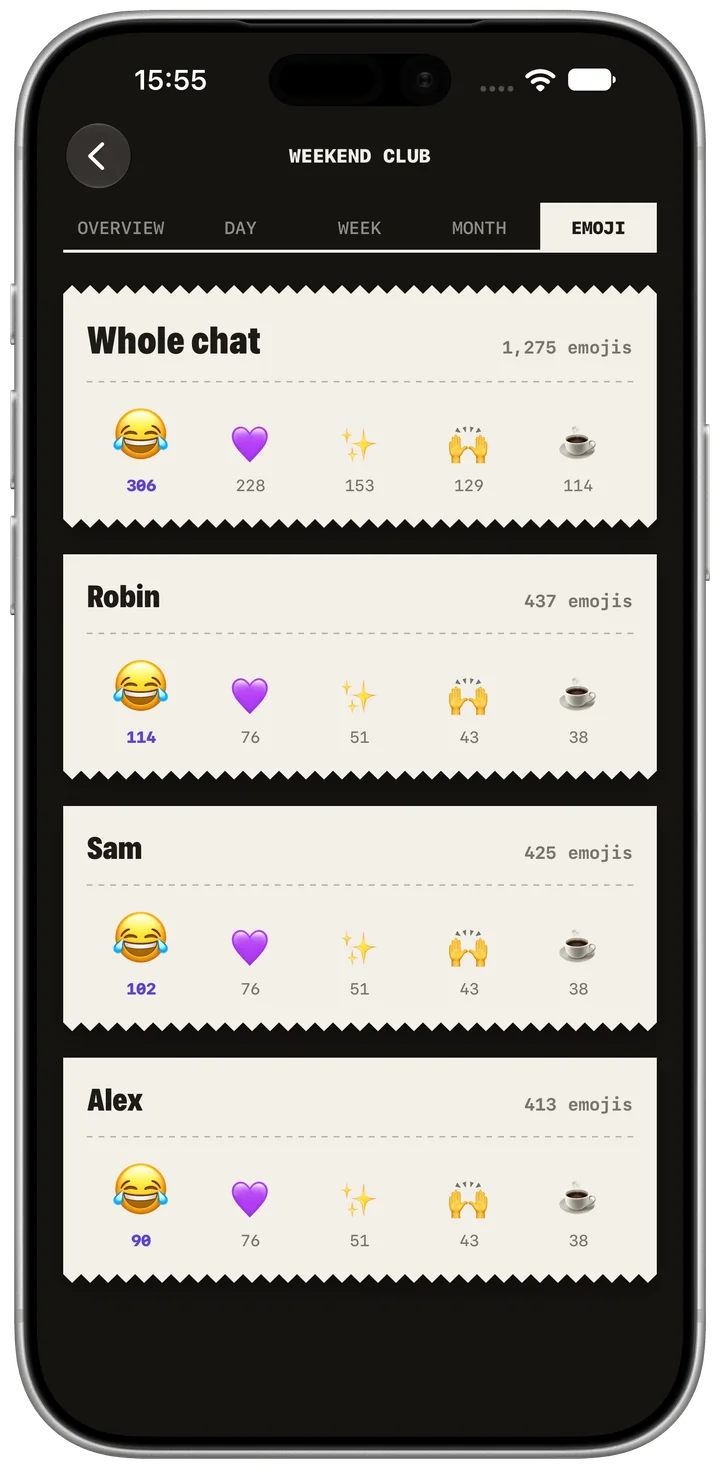
Current app captures with a fictional group. The app keeps its native receipt design.
Read reviews on the App Store.
See the original WhatStats reviews and current availability in your App Store.
A few useful answers.
Import formats, the free first analysis and what your statistics can tell you.
Is my data safe and private?
Chat parsing and saved analyses run on your iPhone. The app also uses analytics, which can include chat names, aggregate counts and device information. Review visible names and statistics before sharing an image or video.
How do I import a chat?
Open the contact or group info on iPhone. Choose Export Chat, then Without Media. Share the supported TXT or ZIP file with WhatStats. Check the date format before starting the analysis.
Which platforms and formats are supported?
WhatStats is an iPhone app. The verified path uses iPhone WhatsApp TXT or ZIP exports with supported bracketed timestamps. There is no established Android app, and Android text compatibility has not been verified.
Can I analyze more than one chat?
Your first analysis is free. Pro unlocks unlimited analyses, full Wrapped and sharing. See the app for current local prices. Each imported chat is analyzed separately; multiple chats in one archive are not a verified import path.
Try a chat before importing your own.
Explore the fully unlocked sample story in the app. Then analyze a supported iPhone WhatsApp export.
Your first analysis is free. Pro unlocks unlimited analyses, full Wrapped and sharing. See the app for current local prices.